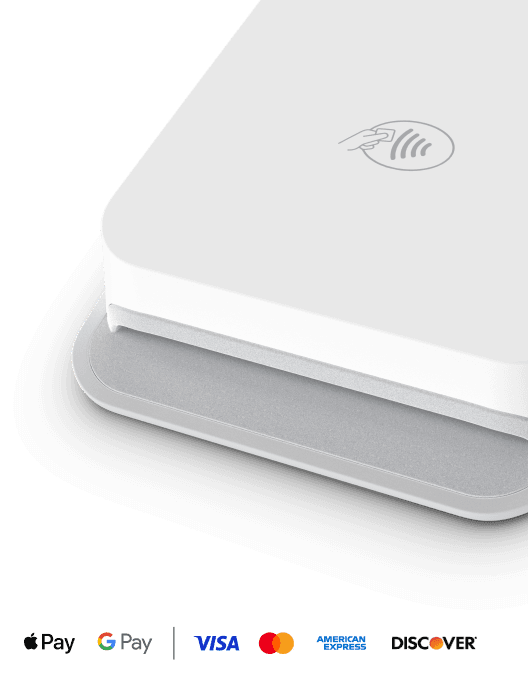
Tap & pay or card reader
Fast, secure payments
Getting paid with a physical card makes the transaction more secure and improves your odds of winning disputes.
Workiz Pay
Accept all popular payment methods, track team-wide expenses from one central place, and automatically sync it all to QuickBooks
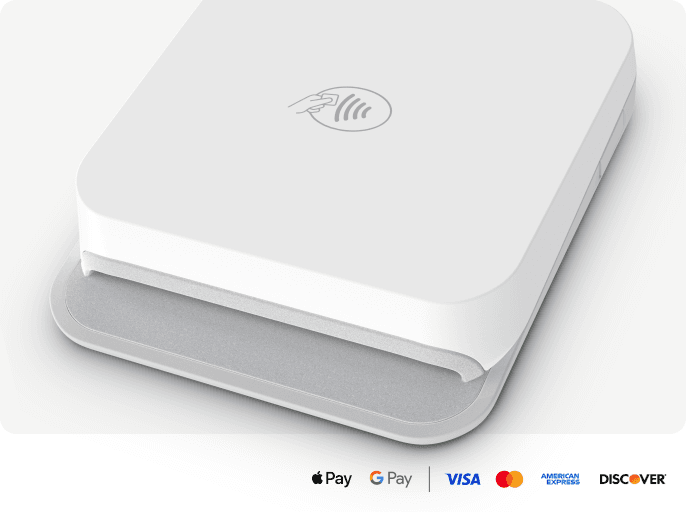
Tap & pay or card reader
Getting paid with a physical card makes the transaction more secure and improves your odds of winning disputes.
INVOICING & ESTIMATES
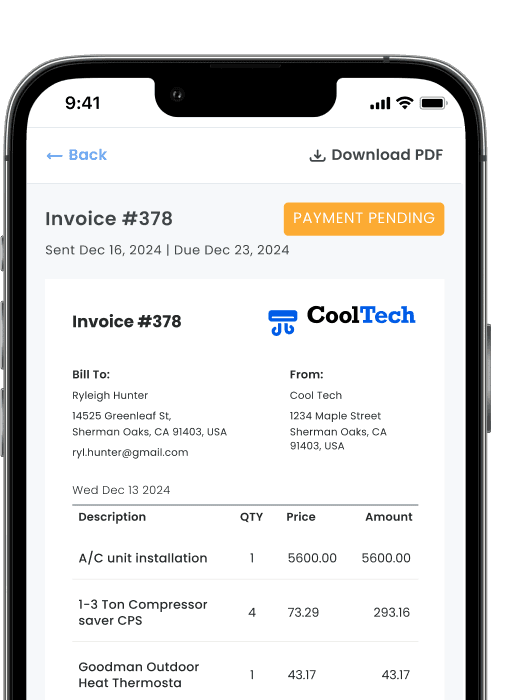
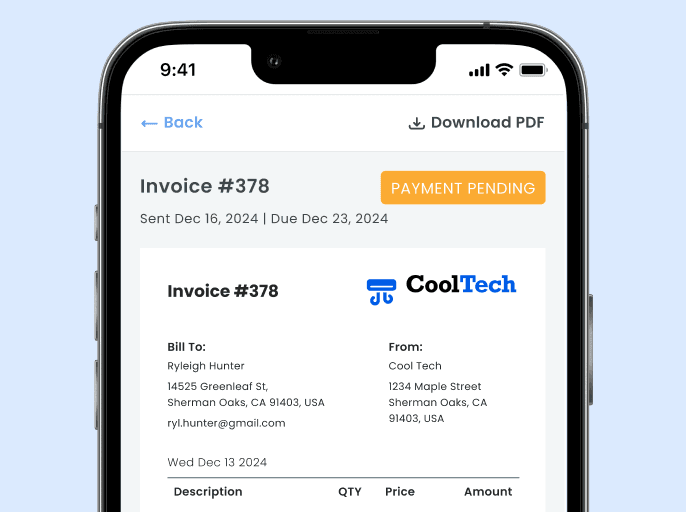
Invoices automatically go out when the job is done, clients pay online, and every payment syncs straight to QuickBooks.
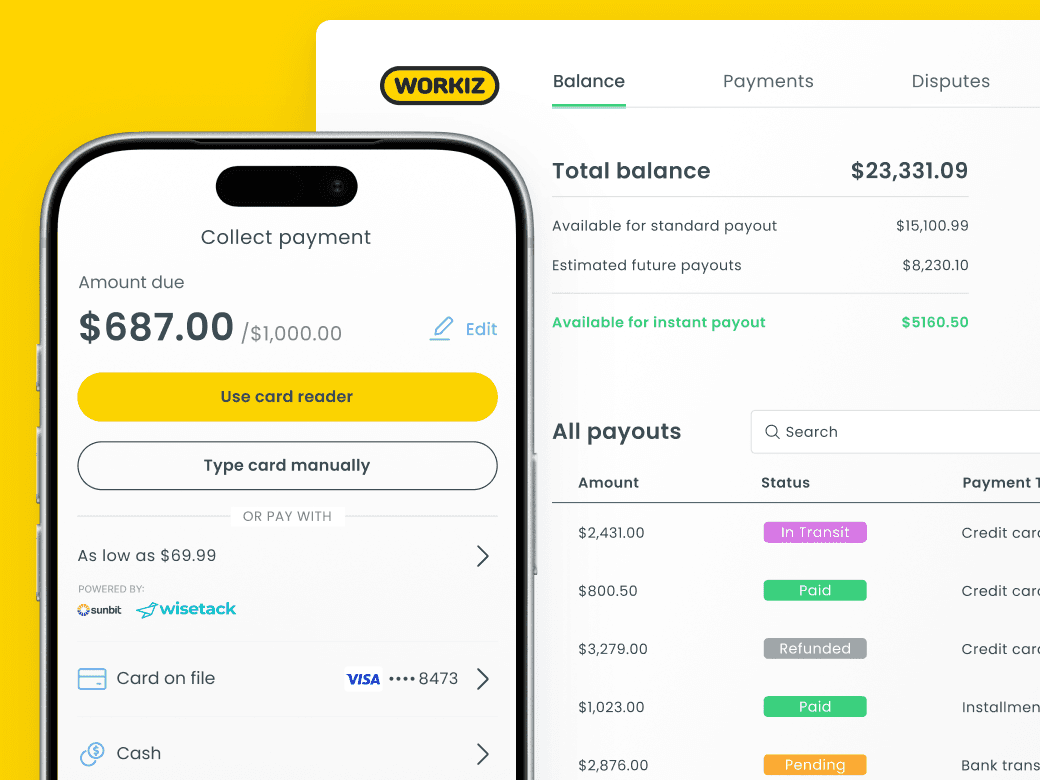
DEPOSITS & MILESTONE PAYMENTS
Require a deposit to confirm the job, then collect at every important milestone. No more starting work on a handshake and chasing the balance at the end.
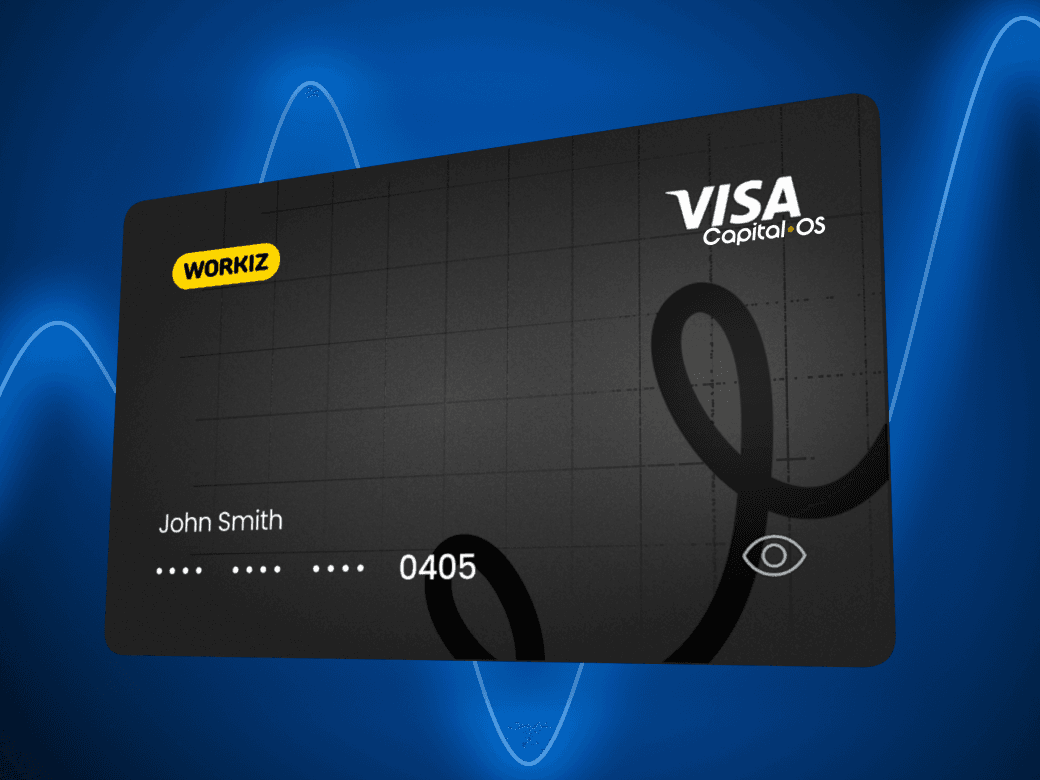
Workiz Expense Card
Issue each tech their own card with spend, category, or vendor limits. See who made each purchase, if a receipt still needs to be uploaded, and tie the expense to the job it's for.
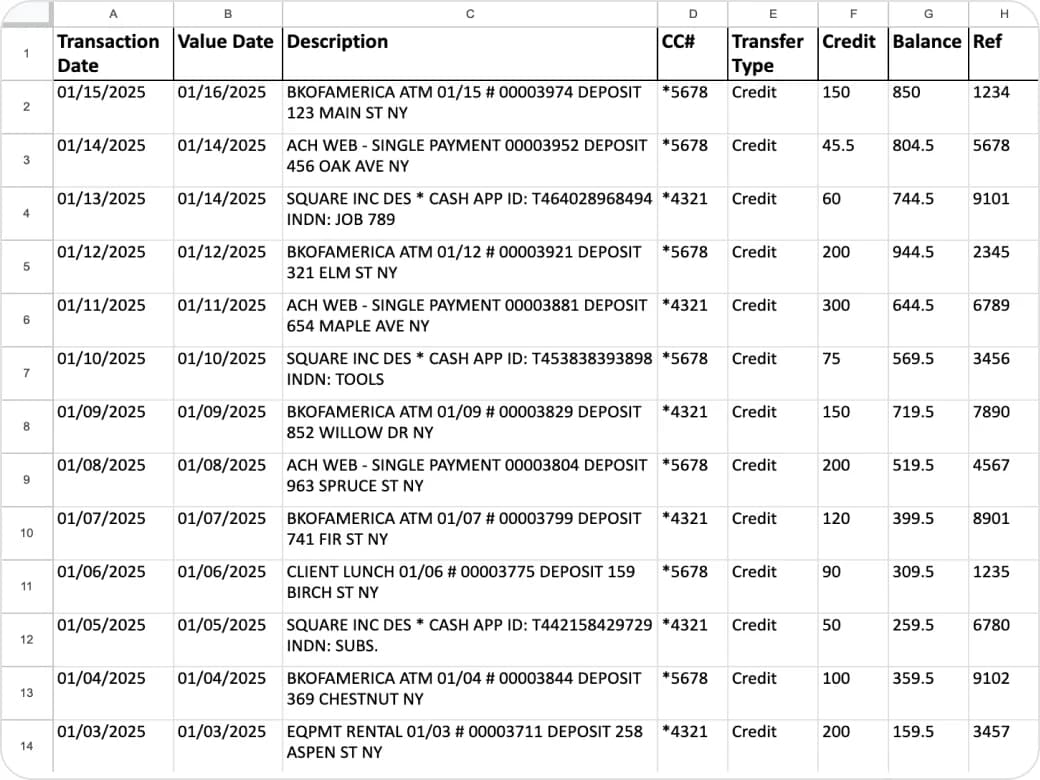
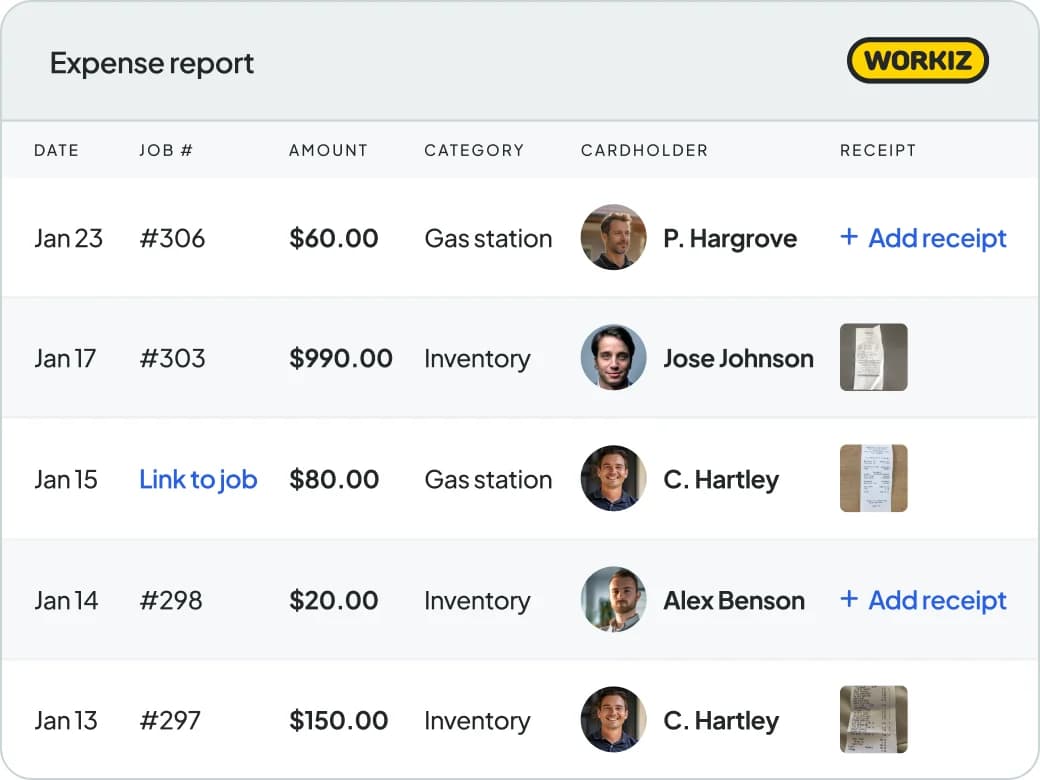
expense management
Every Workiz Card purchase is recorded the moment it's made. Receipts stay organized by job, and transactions sync straight to QuickBooks - so your books are accurate without anyone doing it manually.
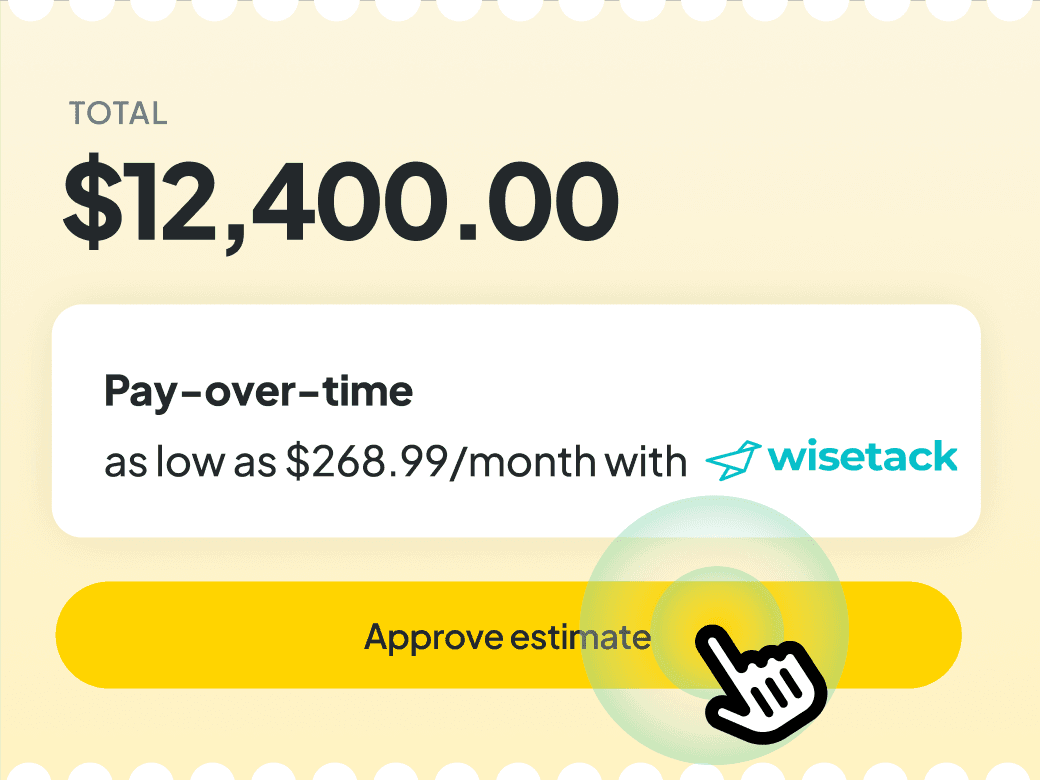
Low monthly payments
Get paid in full when the job is done while giving clients the option to pay in more affordable low monthly payments.
Customize Workiz to grow your business. Schedule jobs, dispatch, invoice and get paid all in one place.
Your AI receptionist that answers calls, emails, and texts — and dispatches the right tech for the job.
Email, SMS, and reputation management in one place. Turn the client data you already have into your next batch of jobs.
Calls, texts, and AI-powered insights — all from one place.
Smart scheduling and dispatching that keeps your team booked and your day running on time.
Professional invoices in a single click. Get paid faster, with less back and forth.
Automated responses to leads, jobs, estimates, and reviews — boosting productivity by 40%.

The biggest value is really being able to pinpoint the revenue generated from a campaign. I didn’t get that with Mailchimp.
Liz Ramirez
Marketing Manager, Gold Eagle Services

We chose Workiz because the UI is simple & easy to learn.
Kristen Zinzi
Administrator at County Comfort Home Solutions

Workiz streamlined our business with digital estimates, invoices, and phone integration.
Olga White
Manager at Instafix Appliance Repair

I switched to Workiz from Service Titan in summer 2023 and have loved it ever since.
Jed Green
Co-owner of NexLvl Services
Workiz simplified scheduling and billing, boosting our efficiency.
Brian Harding
Élecproménager
We are getting so many 5-star reviews and more business!
Mike Bryant
CEO at Plumbing 365

Workiz gives us everything we need to run our business seamlessly.
Hector Perez
Fidelis Repairs

Workiz makes running a business seamless—no more paperwork, easy payments, and automated customer follow-ups!
Brian Orchard
Owner at Everett Air

Since using Workiz, we’ve been able to take on more jobs, stay organized, and keep our customers happier than ever.
Filipe Souza
Owner at SmarTech Solutions

With Workiz, our growth skyrocketed over 300% — everything’s faster and easier now.
Rafael Roa
Appliances USA Pro

Workiz keeps our business running smooth—faster estimates, happy customers, and techs who get more done.
Dan and Wyatt Johnson
Einstein Pros

Workiz keeps our team efficient, organized, and ready to grow without anything slipping through the cracks.
Mike Gidich
Owner at Honey Dudes Handyman

Workiz is powerful yet simple—helping us save time, win more jobs, and stand out from the competition.
Keating Kuhn
Gold Eagle Services

Workiz helps us ensure our customers get a great experience from the first call to the final invoice.
Lior Mizrahi
Same Day Garage Door Services & Repair

The biggest value is really being able to pinpoint the revenue generated from a campaign. I didn’t get that with Mailchimp.
Liz Ramirez
Marketing Manager, Gold Eagle Services
We chose Workiz because the UI is simple & easy to learn.
Kristen Zinzi
Administrator at County Comfort Home Solutions
Workiz streamlined our business with digital estimates, invoices, and phone integration.
Olga White
Manager at Instafix Appliance Repair
I switched to Workiz from Service Titan in summer 2023 and have loved it ever since.
Jed Green
Co-owner of NexLvl Services
Workiz simplified scheduling and billing, boosting our efficiency.
Brian Harding
Élecproménager
We are getting so many 5-star reviews and more business!
Mike Bryant
CEO at Plumbing 365
Workiz gives us everything we need to run our business seamlessly.
Hector Perez
Fidelis Repairs
Workiz makes running a business seamless—no more paperwork, easy payments, and automated customer follow-ups!
Brian Orchard
Owner at Everett Air
Since using Workiz, we’ve been able to take on more jobs, stay organized, and keep our customers happier than ever.
Filipe Souza
Owner at SmarTech Solutions
With Workiz, our growth skyrocketed over 300% — everything’s faster and easier now.
Rafael Roa
Appliances USA Pro
Workiz keeps our business running smooth—faster estimates, happy customers, and techs who get more done.
Dan and Wyatt Johnson
Einstein Pros
Workiz keeps our team efficient, organized, and ready to grow without anything slipping through the cracks.
Mike Gidich
Owner at Honey Dudes Handyman
Workiz is powerful yet simple—helping us save time, win more jobs, and stand out from the competition.
Keating Kuhn
Gold Eagle Services
Workiz helps us ensure our customers get a great experience from the first call to the final invoice.
Lior Mizrahi
Same Day Garage Door Services & Repair
Workiz Online Payments makes it easy to collect payments from clients directly from their invoices or Client Portal. Clients can pay from any device—phone, tablet, or desktop—using credit cards, debit cards, digital wallets, ACH, or various consumer financing options. Payments are tracked and logged automatically inside Workiz, helping you collect payments professionally and securely.
Once you send an invoice, estimate, or sales proposal from Workiz, the client receives a payment link via email or text which lets them make a secure payment from their client portal. They can pay instantly using credit cards, debit cards, digital wallets, ACH, or various consumer financing options—no account setup or login required.
Clients can pay using major credit cards (Visa, Mastercard, American Express, Discover), debit cards, and Apple Pay or Google Pay, ACH, and various consumer financing options.
Yes. You can request deposits upfront, helping to ensure commitment before works begins. You can also collect the first payment of a flexible progressive billing schedule, useful for larger project where you collect money at different phases.
Yes, absolutely! All the payment partners we work with (from gateways, to processors and hardware providers) use industry-standard encryption and security protocols to keep payment data protected. Payment transactions are PCI-compliant, and sensitive information is never stored on your devices.
Yes. You can customize invoice settings to include due dates, payment terms, and even add late fees to the invoice, if that’s your policy. This helps set expectations clearly and encourages faster payments.
Yes. Each invoice in Workiz updates automatically once payment is received. You’ll see real-time payment status, including partial payments, overdue invoices, and clients who have yet to pay. You can also set automations to trigger based off of payment status. For example, you can send a thank you message once an invoice is paid, or late payment notifications to the client or your internal team if a payment is overdue. You will also get an automatic notification once payment is received.